
If you’re looking to reduce verification costs, WhatsApp can be a cheaper way to deliver OTPs than SMS in some markets.
WhatsApp OTP providers differ in how they handle OTP generation and verification, templates, delivery tracking, routing, fallback, and other verification channels.
These differences affect how much work your team needs to build around the API and how much you ultimately spend to verify each user.
In this guide, we’ll share how we handle WhatsApp OTP delivery at SecondFactor, then look at eight other WhatsApp OTP providers whose names often come up when teams evaluate their options.
1. SecondFactor
At SecondFactor, we support WhatsApp alongside SMS, Viber, and RCS through the same OTP API. Instead of sending every verification through WhatsApp, our routing engine checks the channels available for each request and can use WhatsApp when it is the lowest-cost eligible option.
You connect your WhatsApp Business Account to SecondFactor, set up an approved authentication template, and use the same API to send and verify OTPs across your enabled channels.
Send and Verify WhatsApp OTPs With One API
SecondFactor handles OTP generation, delivery, and verification. Your application requests an OTP for the user’s phone number, and we return a verification ID that you use to check the code the user enters.
The same integration works across WhatsApp, SMS, Viber, and RCS. You can add another channel without building a separate send-and-verify flow.
Use WhatsApp When It’s the Lowest-Cost Eligible Channel
WhatsApp isn’t always cheaper than SMS, and its cost varies by destination.
Our Price Intelligence Engine checks the destination and eligible channels for each request, ranks them by cost, and attempts delivery through the lowest-cost option.
If WhatsApp is available and offers the lower-priced route, PIE can use WhatsApp first. In another market, it may select SMS or another enabled channel instead.
This means you don’t have to maintain your own country-by-country rules for deciding when to use WhatsApp.
Automatically Fall Back if the WhatsApp OTP Isn’t Delivered
A WhatsApp OTP can only work when the recipient can receive it. If delivery isn’t confirmed within eight seconds, SecondFactor automatically tries the next eligible channel.
For example, an OTP can start on WhatsApp because it is the lowest-cost option and then fall back to SMS if WhatsApp delivery isn’t confirmed.
The fallback happens within the same verification request, without your application having to detect the failed delivery and send another OTP itself.
Manage WhatsApp Authentication Templates
WhatsApp requires approved authentication templates for OTP messages. You can create and submit these templates through SecondFactor and track their approval status from the dashboard.
WhatsApp authentication templates use prescribed wording and support options such as a security disclaimer and expiry warning.
Once your WhatsApp Business Account and template are approved, the channel becomes available for eligible OTP requests.
Track WhatsApp OTP Delivery and Cost
SecondFactor’s OTP logs show the destination, channel, delivery status, and cost for each request. You can see whether an OTP was delivered through WhatsApp or another channel and whether fallback was used.
You can also use the PIE Playground to send a real OTP before integrating, see which route was selected, and test the send-and-verify flow with your enabled channels.
2. Twilio Verify
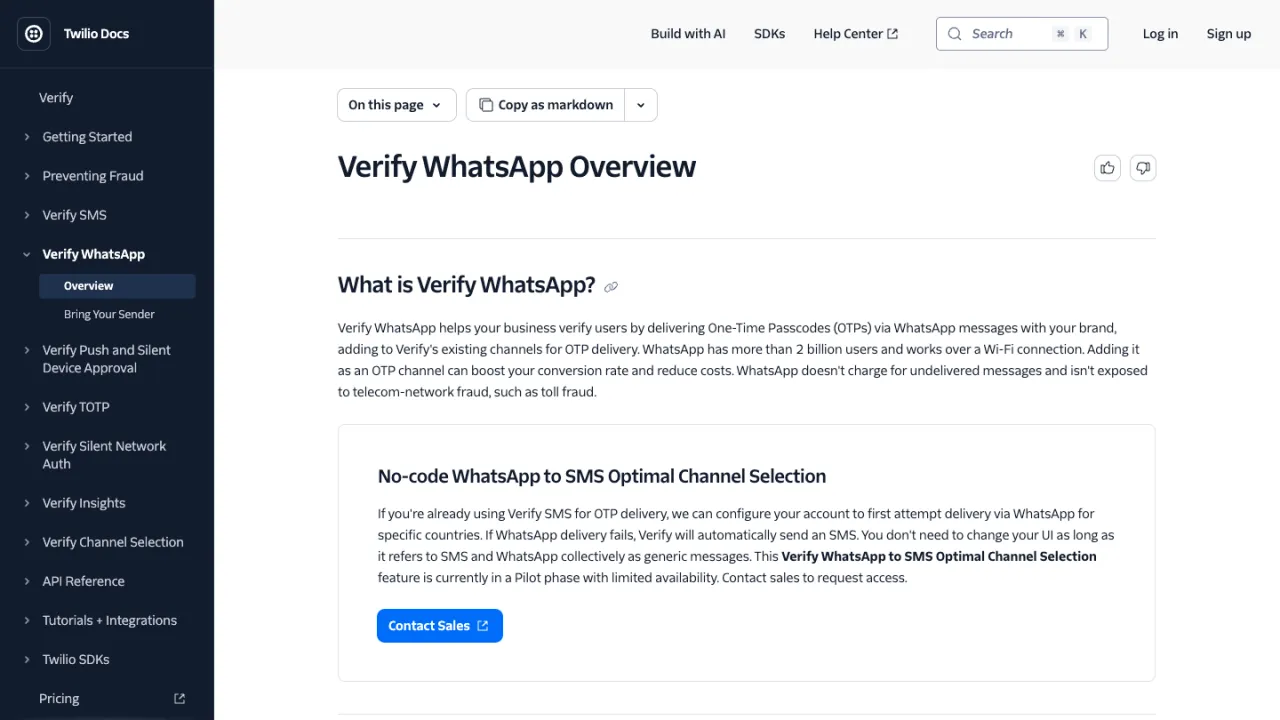
Twilio Verify supports WhatsApp as an OTP delivery channel alongside SMS, voice, email, TOTP, push, and Silent Network Authentication. To send WhatsApp OTPs, you need to connect your own WhatsApp Business sender to Twilio Verify.
The verification flow uses the same Verify API as SMS. You start a verification with the user’s phone number and set the channel to WhatsApp.
Twilio generates and sends the OTP, and you use the Verification Check API to validate the code entered by the user.
Twilio uses WhatsApp authentication templates for OTP messages. These templates have a predefined structure and must be approved by WhatsApp before you can use them. They can include a copy-code button, security recommendation, and code expiration time.
Twilio also offers WhatsApp-to-SMS Optimal Channel Selection, which can attempt WhatsApp first for configured countries and automatically send the OTP by SMS if WhatsApp delivery fails. This feature is currently in pilot with limited availability.
Twilio Verify charges $0.05 per successful verification plus the WhatsApp authentication template fee. Unlike SMS attempts, Twilio says it bills WhatsApp OTP messages only when delivery is confirmed.
3. Vonage Verify
Vonage Verify supports WhatsApp OTPs through its Verify API. You create a verification request with WhatsApp in the workflow, Vonage sends the code, and your application submits the code entered by the user for verification.
Vonage supports both standard WhatsApp OTPs and Zero-tap verification. With Zero-tap, supported Android apps can automatically receive the OTP without requiring the user to open WhatsApp and manually copy the code. Zero-tap requires additional provisioning for your WhatsApp Business Account.
Verify workflows let you define which channels to use and the order in which to attempt them. If the first method doesn’t result in a successful verification within the configured timeout, Vonage can move to the next channel in the workflow.
If Vonage detects that a user doesn’t have WhatsApp installed, Verify can also fall back to another configured channel.
Vonage Verify supports SMS, WhatsApp, RCS, voice, email, and Silent Authentication, although the channels available for a workflow depend on your account and configuration.
4. Infobip
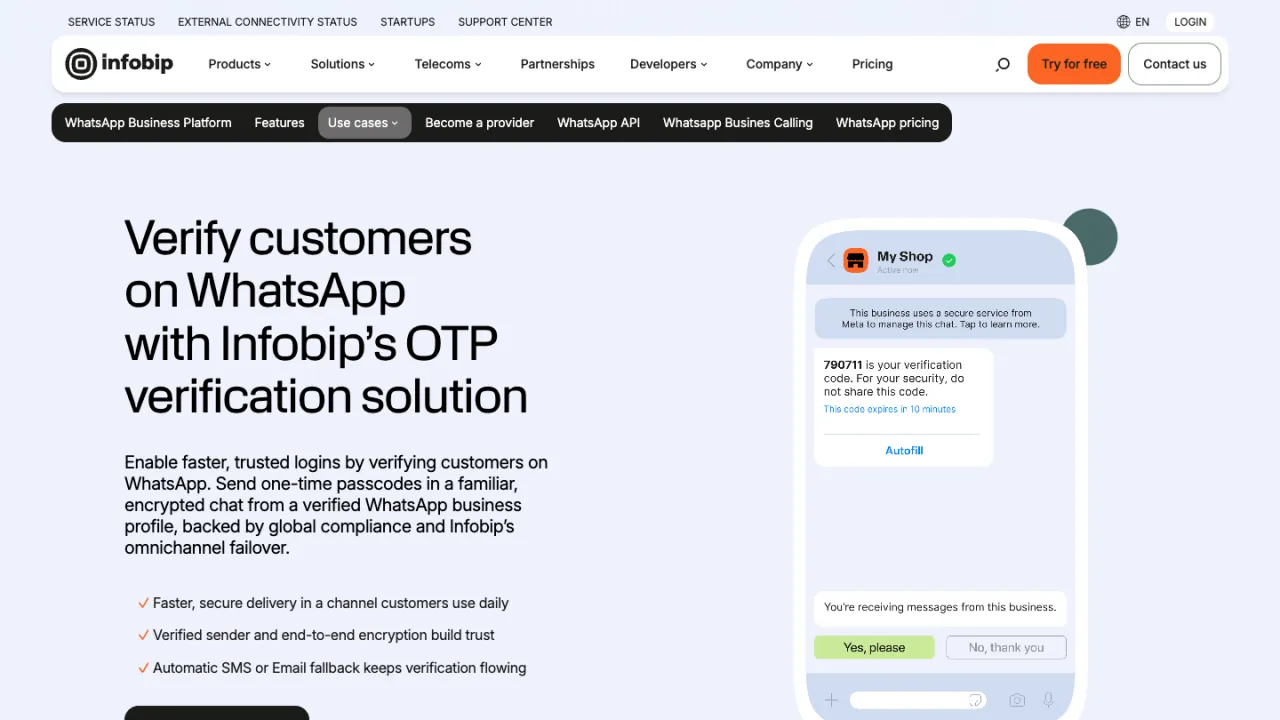
Infobip supports WhatsApp authentication messages through its WhatsApp Business Platform APIs. You can create an authentication template, register it with WhatsApp through Infobip, and then use the approved template to send OTPs.
WhatsApp authentication templates can include a security recommendation, an OTP expiration time, and either a copy-code or one-tap autofill button. One-tap autofill is available for Android and requires the app’s package name and signature hash.
Infobip lets you configure a validity period for WhatsApp authentication templates. If the message can’t be delivered within that period because the user is offline or their device is unavailable, WhatsApp drops the message. Infobip says no charge applies when delivery fails within the configured validity period.
Infobip also provides SMS, voice, email, RCS, Viber, and other messaging channels through its platform. Its WhatsApp pricing is based on the destination and template category, with authentication messages charged per delivered template message.
5. Telesign Verify
Telesign Verify supports WhatsApp OTPs, along with SMS, Viber, RCS, email, voice, push, and Silent Verification. The Verify API can generate the OTP for you, or you can provide your own code.
For WhatsApp verification, you create a verification request with the user’s phone number and WhatsApp as the verification method. Telesign sends the OTP, and your application submits the code the user enters to complete verification.
Telesign supports WhatsApp authentication templates with copy-code, one-tap autofill, and zero-tap options.
One-tap and zero-tap are supported on Android and require additional setup in your application. Telesign and WhatsApp must approve templates before you can use them.
You can also create verification policies with fallback methods and specify how long Telesign should wait before trying the next one. For example, a request can start with WhatsApp and fall back to SMS after 30 seconds if the WhatsApp verification doesn’t complete.
Telesign Verify is available to full-service customers and needs to be enabled on your account.
6. Prelude Verify
Prelude Verify supports WhatsApp as part of its multi-channel verification API, alongside SMS, RCS, Telegram, Viber, voice, and other channels.
Prelude can use WhatsApp as the primary verification channel or as a fallback. Its routing layer handles channel selection and fallback based on the destination country, delivery signals, and your configured channel preferences.
For example, you can start a verification on WhatsApp and fall back to SMS if the WhatsApp OTP can’t be delivered. You can also keep SMS as the primary channel and use WhatsApp when SMS delivery fails.
Prelude lets you set a preferred channel for individual requests while retaining automatic fallback to other configured channels.
Prelude charges a verification fee plus the underlying message cost. It says it doesn’t add a margin to message prices. Its published pricing varies by destination and channel; for example, its current US pricing lists WhatsApp at €0.0028 per message.
7. Dexatel Verify
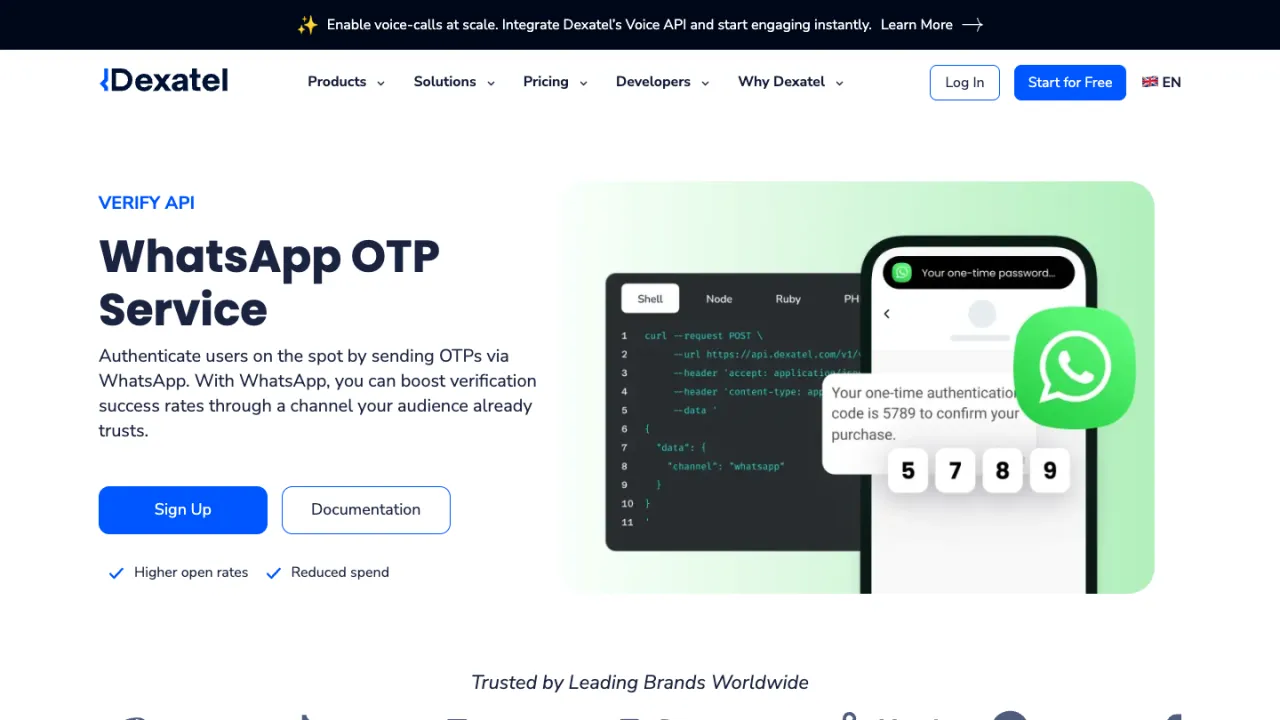
Dexatel Verify supports OTP delivery through WhatsApp, SMS, Viber, voice, flash calls, Telegram, email, and RCS. Its WhatsApp OTP API handles sending and validating authentication codes through WhatsApp.
To send a WhatsApp OTP, your application creates a verification with the user’s phone number and sets WhatsApp as the channel. Dexatel sends the code, and your application submits the phone number and OTP to check the verification record.
Dexatel also supports multi-channel fallback. You can configure another channel to be used when the first verification method fails, rather than managing the second attempt separately in your application.
For WhatsApp, Dexatel provides onboarding, authentication template management, and WhatsApp Business API access. Its Verify service also includes OTP logs and analytics for tracking verification attempts.
Dexatel’s WhatsApp OTP page currently lists prices starting at $0.007 per message, while the exact rate varies by destination and WhatsApp authentication pricing. Its Verify pricing also lists a $28 monthly fee for WhatsApp.
8. Gupshup
Gupshup provides access to the WhatsApp Business Platform and supports WhatsApp authentication templates for sending OTPs.
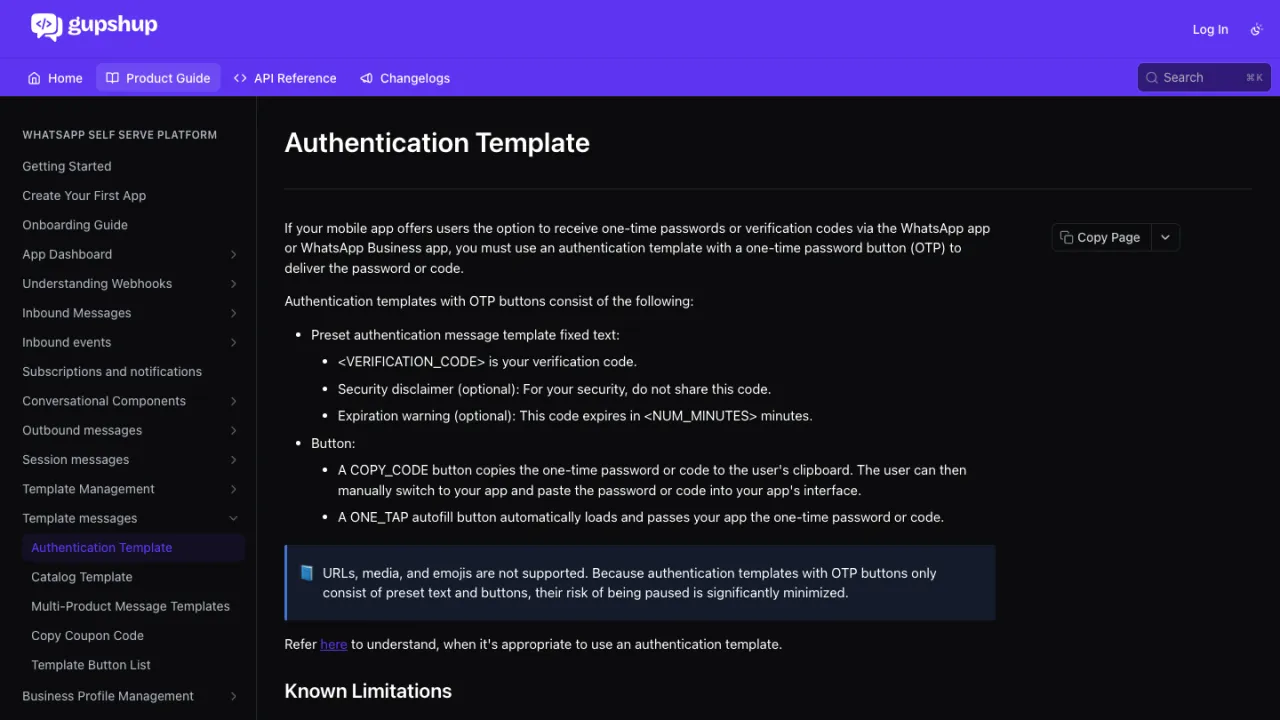
To send a WhatsApp OTP, you create an authentication template and use Gupshup’s template messaging API with the recipient’s phone number and verification code. Authentication templates need to use WhatsApp’s prescribed format and include an OTP button.
Gupshup supports copy-code and one-tap autofill buttons in authentication templates. With copy-code, the user copies the OTP from WhatsApp and enters it in your application. One-tap autofill can pass the code directly to a supported mobile app.
Authentication templates can also include WhatsApp’s optional security disclaimer and an expiration warning that tells the user how long the OTP remains valid. Authentication templates don’t support URLs, media, or emojis.
Gupshup’s WhatsApp pricing includes Meta’s country-specific charges and Gupshup’s platform fees. Meta currently charges authentication templates per delivered message, with rates varying by market and volume tier.
9. MSG91
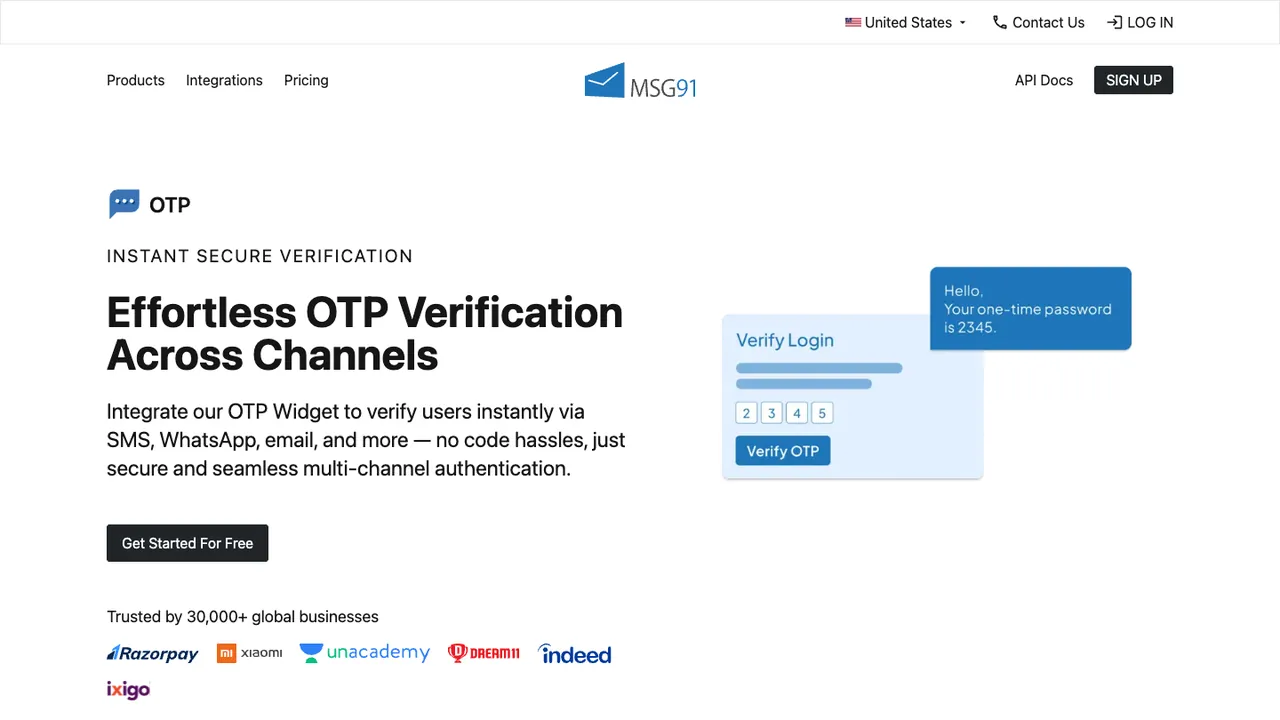
MSG91 supports WhatsApp OTP delivery through its WhatsApp Business APIs and OTP products. You can trigger a WhatsApp authentication template through the API using the user’s phone number and OTP.
To use WhatsApp OTP, enable WhatsApp services in MSG91 and create an authentication template. MSG91 notes that access to WhatsApp authentication templates is also subject to Meta’s eligibility requirements.
MSG91 also provides an OTP Widget for managing the send, retry, and verification flow. The widget returns a request ID when an OTP is sent and a JWT access token after successful verification, and provides logs and analytics for OTP requests.
MSG91 publishes country-specific WhatsApp OTP rates. Its current rate card, for example, lists WhatsApp OTP delivery at $0.00612 for Brazil, $0.01017 for Australia, and $0.01539 for Belgium, with rates varying by destination.
The OTP Widget itself doesn’t have a usage fee; charges are based on the channels used to deliver OTPs.
Factors to Consider When Choosing a WhatsApp OTP Provider
The right WhatsApp OTP provider depends on where your users are, how you want to handle failed deliveries, and what you want your team to manage.
We recommend looking beyond the price of a WhatsApp message and comparing the full verification flow, including setup, delivery, fallback, fraud protection, and the cost of successfully verifying a user.
WhatsApp Availability in Your Key Markets
WhatsApp usage varies by country, and not every user you need to verify will have an active WhatsApp account.
Look at where your users are and whether WhatsApp is a practical verification channel in those markets. If you have users across multiple countries, check whether the provider can use another channel when WhatsApp isn’t available.
Cost per Successful Verification
WhatsApp authentication pricing varies by country, and providers may add their own verification or platform fees on top of Meta’s charges.
The cost of a successful verification can also include failed attempts and any SMS or other channel used as fallback. Compare the total amount you expect to spend to verify a user rather than only the advertised price of a WhatsApp authentication message.
Authentication Templates and Setup
WhatsApp OTPs use authentication templates that need to follow Meta’s requirements. Depending on the provider, you may need to connect a WhatsApp Business Account, register a sender, create the authentication template, and wait for approval before you can start sending OTPs.
Check which parts of this process the provider handles and whether you can create and manage templates from its dashboard or API. If you want to use one-tap or zero-tap authentication, check the additional app and template requirements as well.
Delivery Tracking and Fallback
Check what happens when a WhatsApp OTP isn’t delivered. Some providers can automatically fall back to SMS or another verification channel, while others leave that logic for your application to manage.
Also look at the delivery information available through APIs, webhooks, and logs. This can help you identify whether an OTP was delivered, which channel was used, and what happened when fallback was triggered.
Fraud and Verification Security
WhatsApp OTP flows can still be targeted by automated verification requests, account takeover attempts, and other forms of OTP abuse.
Check whether the provider offers rate limits, fraud detection, limits on verification attempts, OTP expiration controls, and protection against suspicious traffic. You should also review its security practices, data handling, and compliance with requirements that apply to your business.
API and Developer Experience
Look at what your team needs to build beyond sending the first WhatsApp message. This can include OTP generation and validation, template management, delivery callbacks, retries, fallback, expiration, and verification logs.
If you plan to use WhatsApp alongside SMS or other channels, check whether you can manage them all through the same verification API.
Send WhatsApp OTPs With SecondFactor
WhatsApp can reduce OTP costs in markets where it’s cheaper than SMS, but it doesn’t need to be the default channel for every verification.
With SecondFactor, our Price Intelligence Engine checks the eligible channels for each OTP and routes it through the lowest-cost option. If WhatsApp is selected and delivery isn’t confirmed within eight seconds, SecondFactor automatically tries the next eligible channel.
You can use one API to send and verify OTPs across WhatsApp, SMS, Viber, and RCS, without building separate routing and fallback logic for each channel.